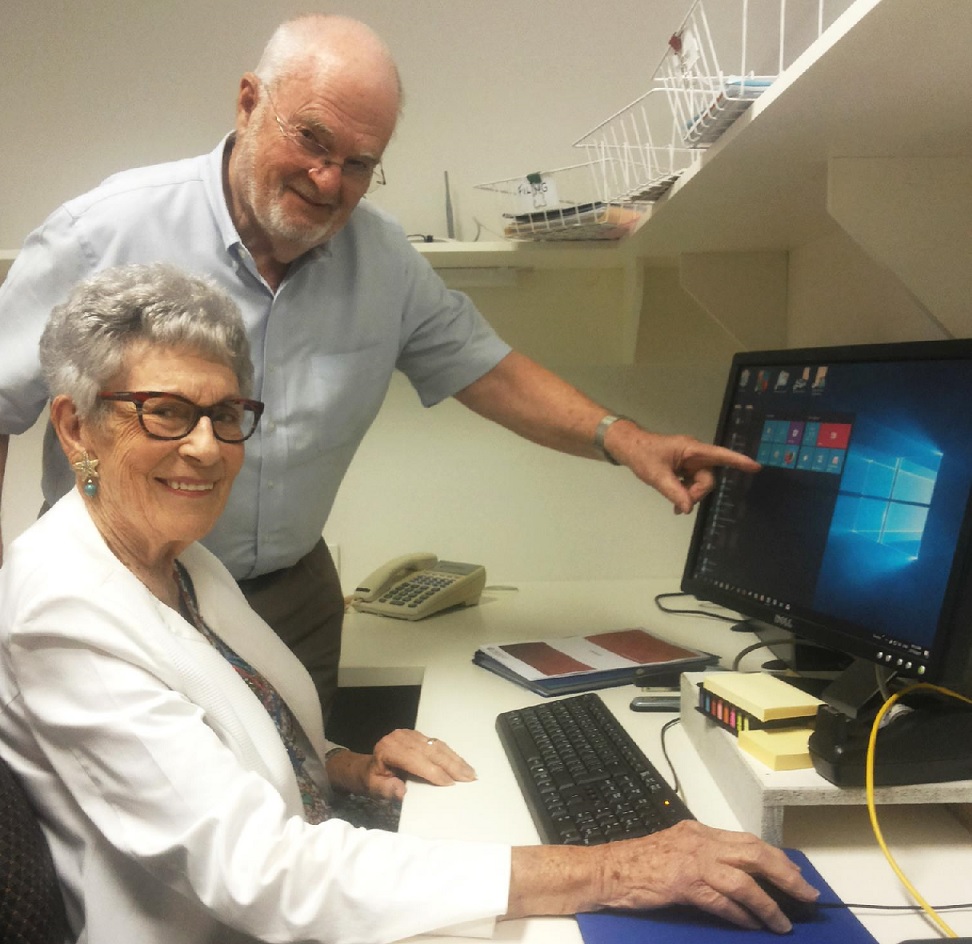
One-to-one tutorial with an experienced tutor of your own choosing.
Informal Lessons
No exams or assignments for you to worry about.
Tailor-made Lessons
Aimed squarely at your level of skill and knowledge.
Who We Are
Who We Are
Your Lessons
Our lessons are focused on teaching you the skills you need to operate your device in no time.
You will have fun learning, meeting new people, gain tech independence and feel connected.
Choose a topic below, then Click on READ MORE and follow the instructions.
Windows
Windows
We teach you how to navigate your way around Microsoft Operating Systems including Windows 10, 8, and 7.
You will get to know their features and how to find the best settings for you.
We teach you how to use a browser to access the internet for learning, entertainment,
paying bills, banking, online shopping, doctors' appointments, centrelink , medicare and much more.
We teach you how email works and how to use it effectively, including the basics of how to
create an account with a webmail service like Gmail or Hotmail, and how to write, send and reply to an email.
We teach you how to take reasonable but necessary safety precautions to protect yourself
whenever you access the internet. Going online should be an enjoyable experience for all of us.
We teach you how to get the most of your digital and video devices including photo
adjustment and video editing, and choosing the right software for your needs.
For a beginner, diving into social media can be overwhelming and intimidating.
However, we're here to help. We teach you how to get up to speed with popular
platforms like Facebook, Skype, and YouTube.
You may find it easier to choose what you want to learn based on what kind of device you own.
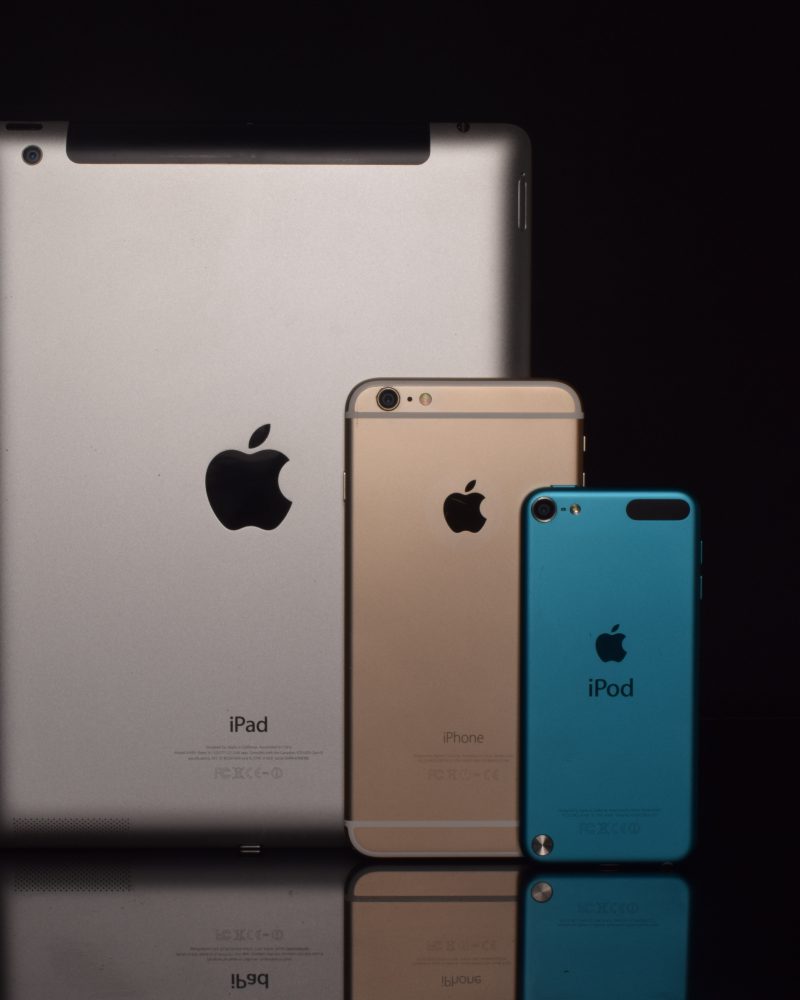
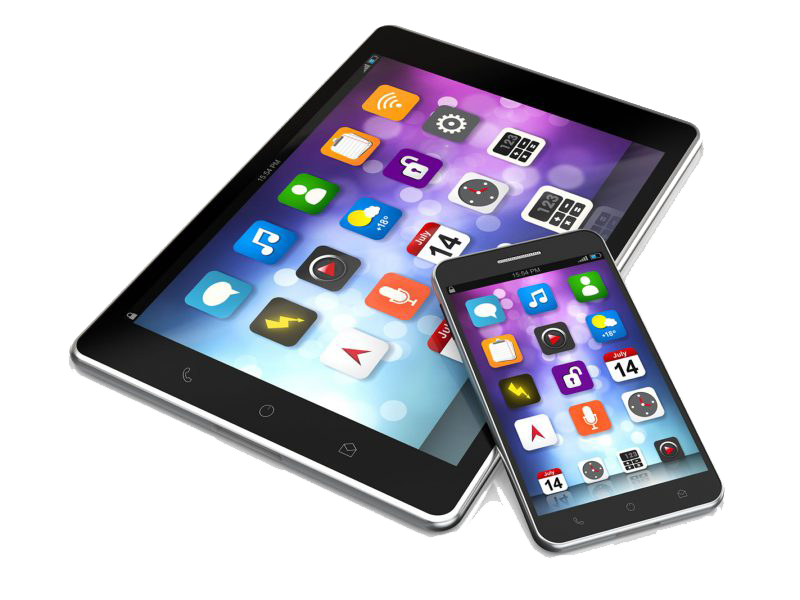
All our tutors are proficient enough to help you whether you have a personal computer, a laptop, a tablet or a smartphone.
We teach you how to get the most out of these great devices like how to easily take photos and
transfer them to another device, chat with family and friends using Skype, send messages
and emails, use maps, organize your activities with calendar and reminders, listen to
your favourite music and a lot more.
Android is the most popular mobile operating system in the world.
We teach you how to use your android tablet and smartphone in
much the same way that you would use an Apple device.
We've recently introduced higher level group lessons for those who are interested
in more in-depth learning of a particular topic. Members will be informed beforehand
when these classes are running.
Choose Your Own Topic
Choose Your Own Topic
If you can't find anything here that appeals to you, you are welcome to tell us
what areas you want to see covered.